iPhone App
Every bottle,
Every bottle,
remembered.
Track what's in your cellar, what you've opened, and what's finally ready to drink — down to the exact row and column on your wall.
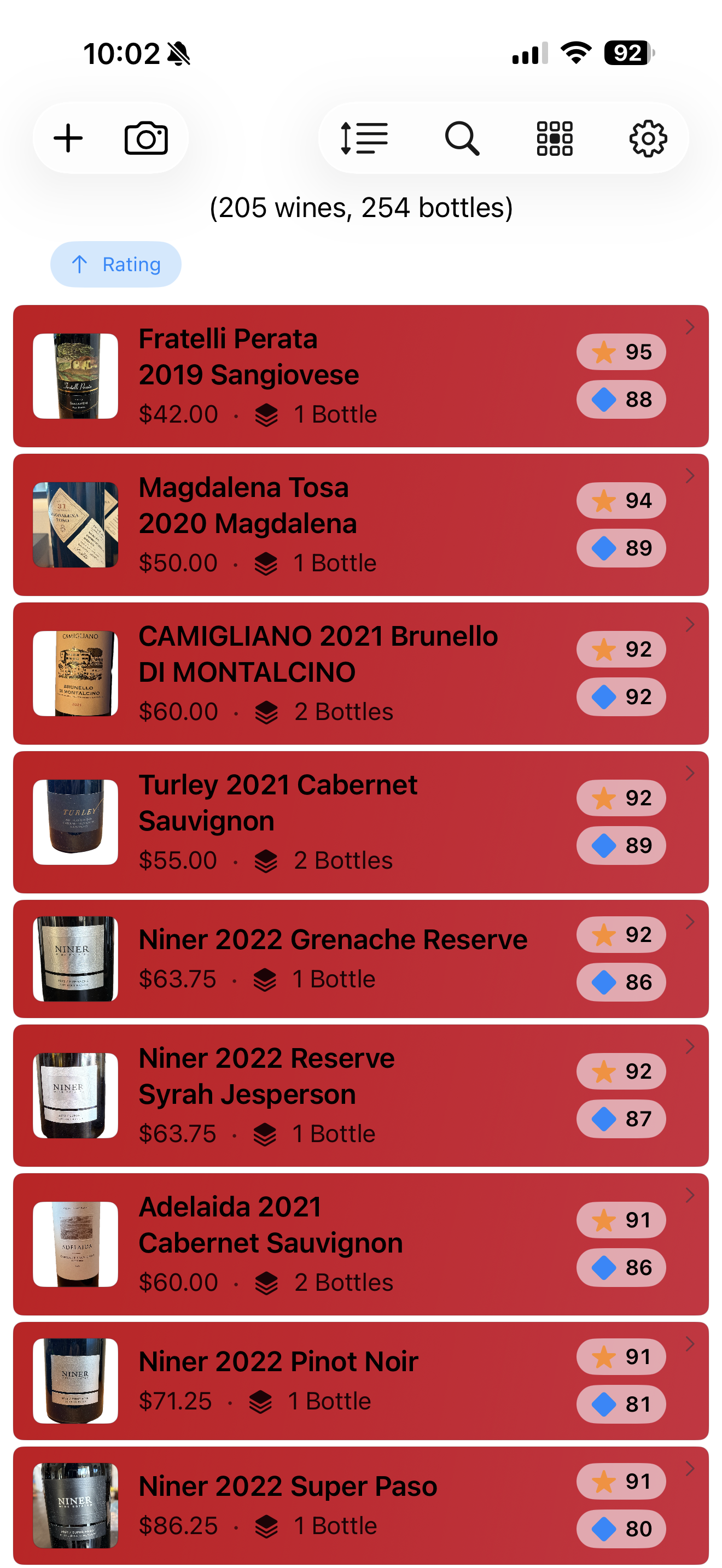
Track what's in your cellar, what you've opened, and what's finally ready to drink — down to the exact row and column on your wall.
Home Wine Cellar mirrors the way you actually store wine — by wall, row, and column — so finding a bottle in the app feels like finding it in the cellar.
Every wine, its price, bottle count, and both a critic-style rating and a personal value score.
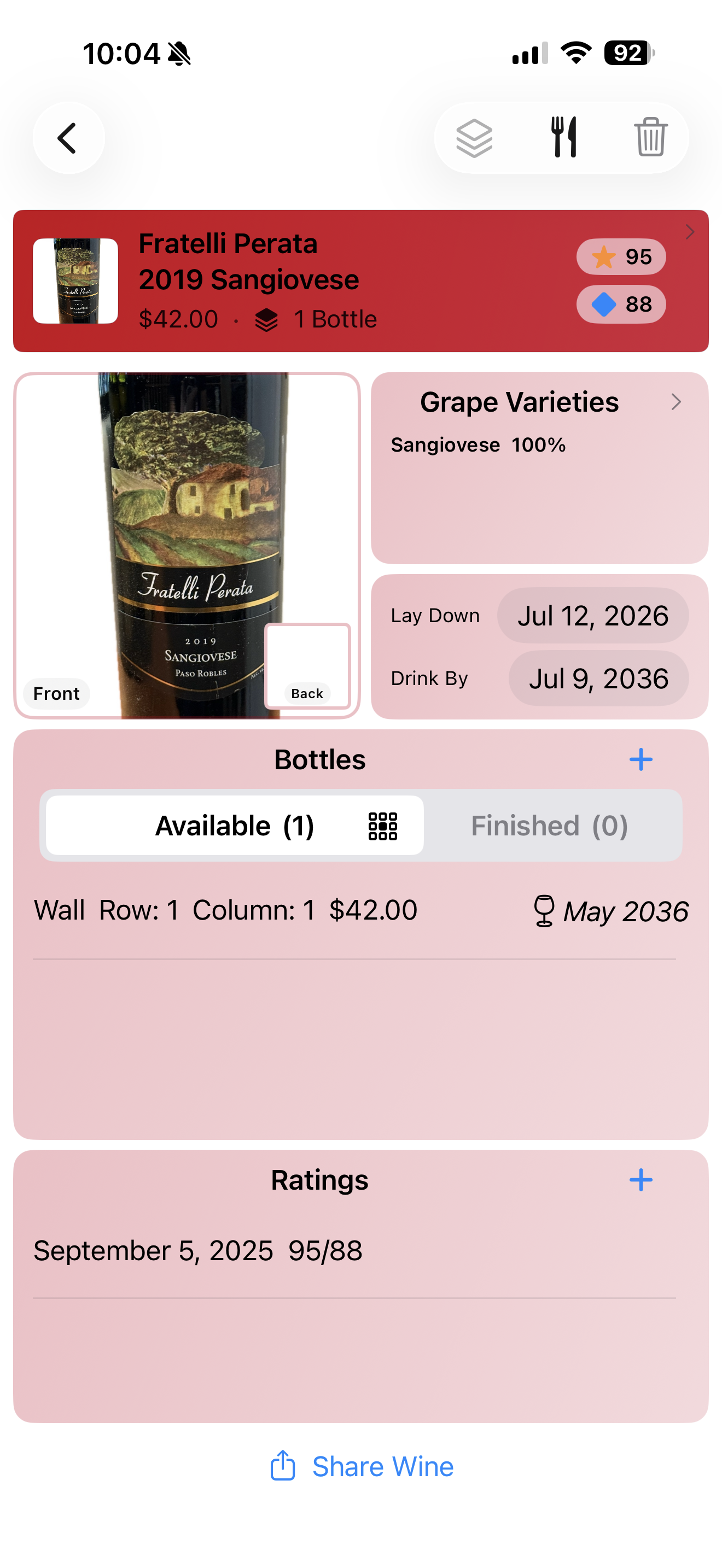
Front and back label photos, grape varieties, lay-down and drink-by dates, and exactly which wall, row, and column each bottle lives on.
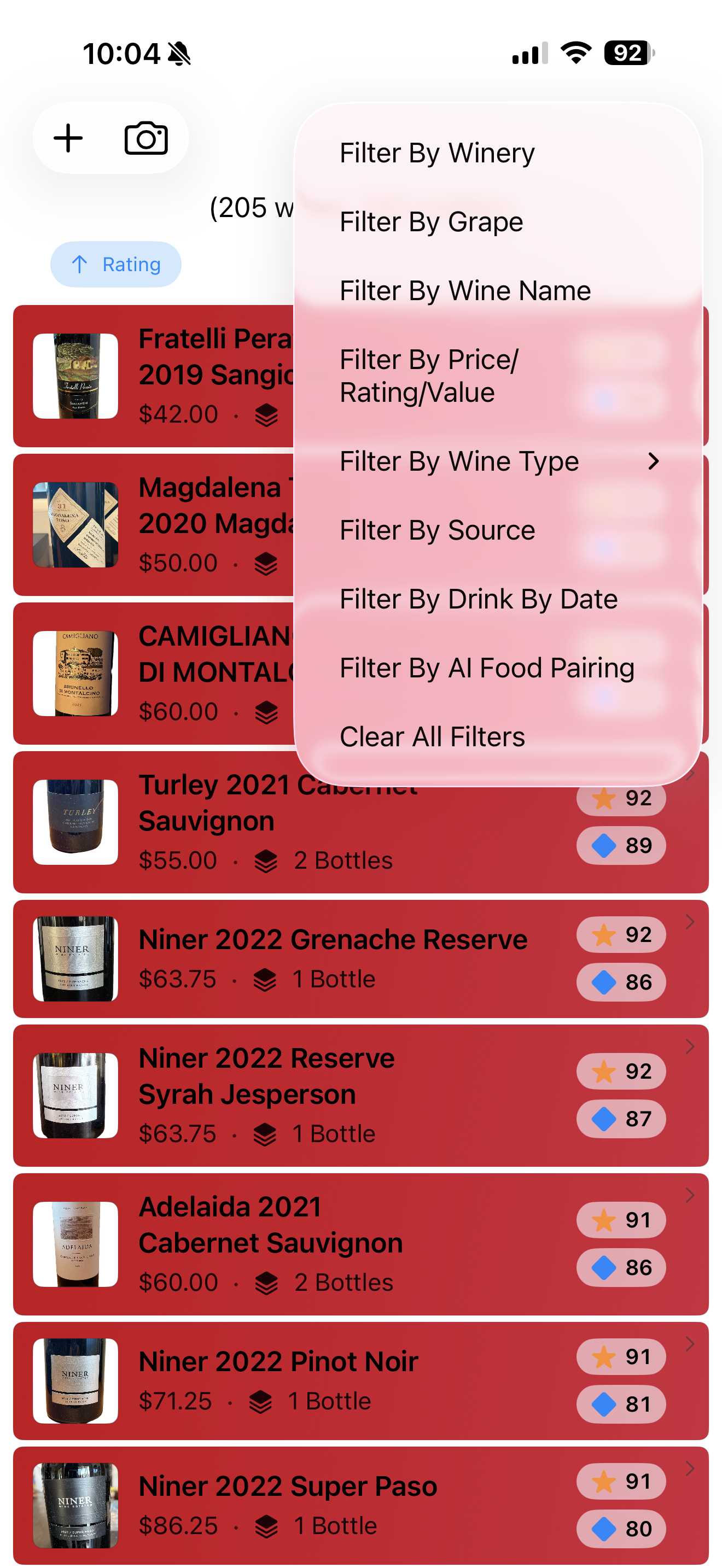
Filter by winery, grape, price, rating, value, wine type, source, drink-by date, or an Apple Intelligence food pairing.
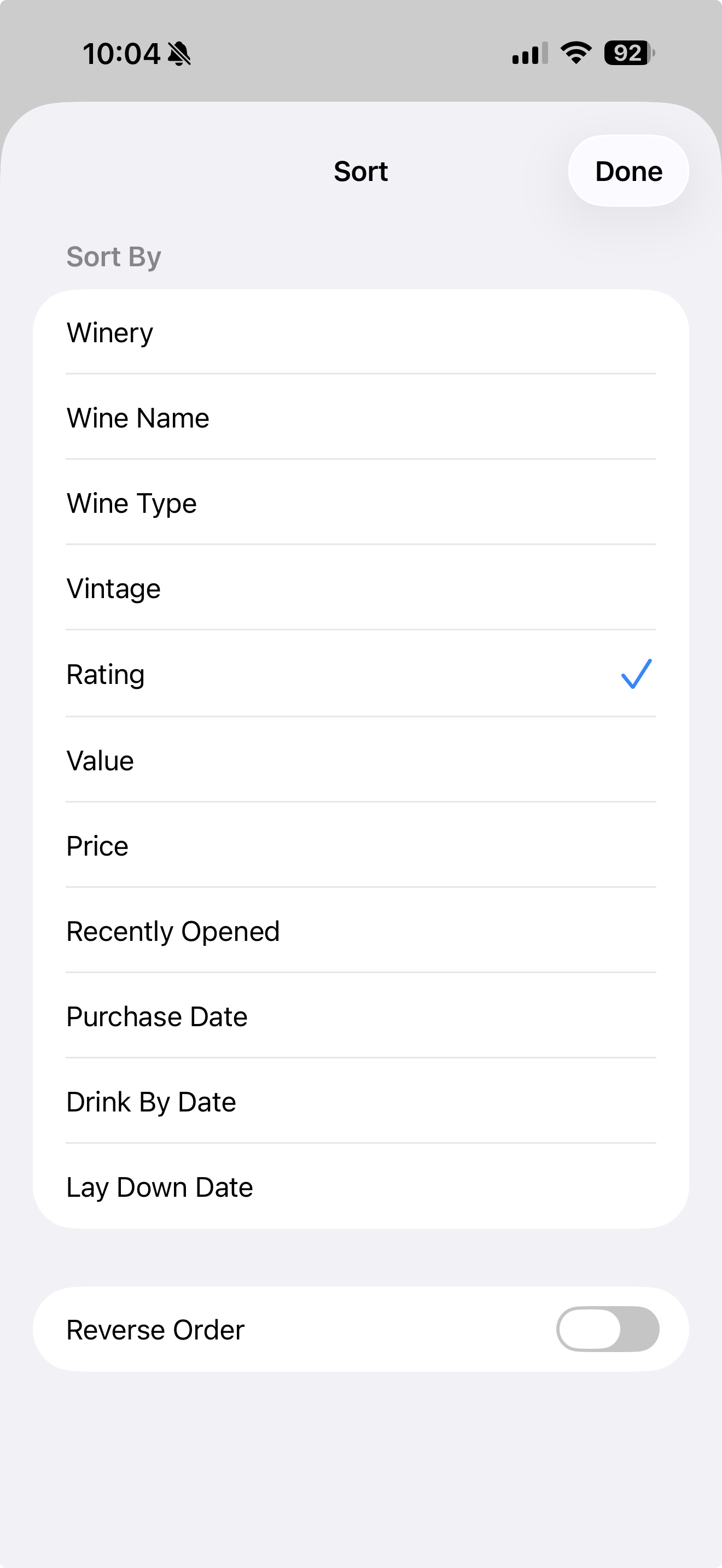
By vintage, rating, value, price, purchase date, drink-by date, or lay-down date — reversible with one tap.
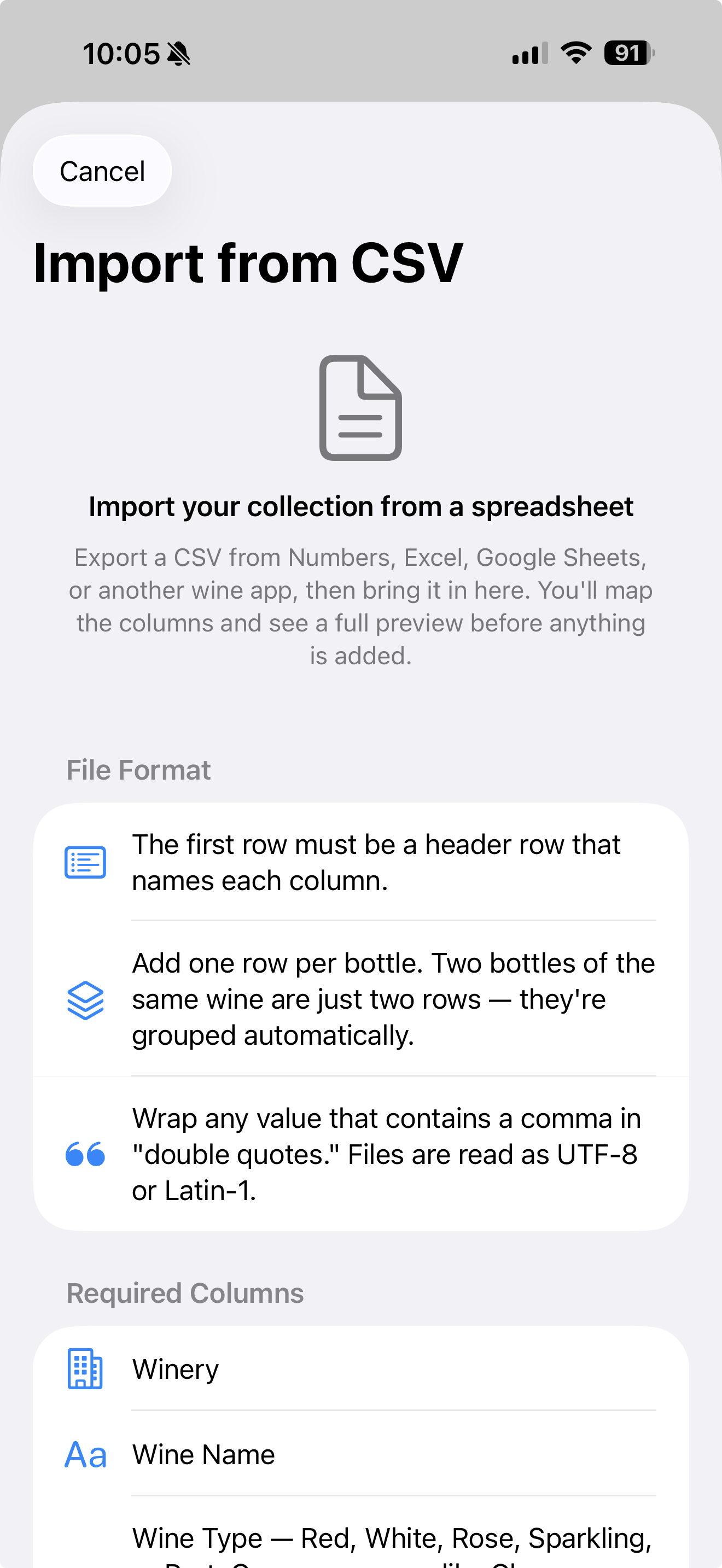
Import an existing collection from a CSV — export from Numbers, Excel, Google Sheets, or another wine app, map the columns, and preview before anything's added.
Apple Intelligence suggests pairings right on your iPhone. Nothing about your collection is sent anywhere to make a suggestion.
Your entire cellar — photos, notes, ratings — is stored in your own iCloud account under your Apple ID. We don't run servers that hold your data.
Track available and finished bottles separately, log a rating and tasting date the moment you pull the cork.
Home Wine Cellar doesn't collect, see, or store your collection on any server we operate. Everything — labels you photograph, CSVs you import, ratings you write — stays in the private iCloud database tied to your own Apple ID.